

Send documents to Google Sheets
Doxtract adds your documents to a Google Sheet, one row per document or one row per line item.
The workspace owner connects Google
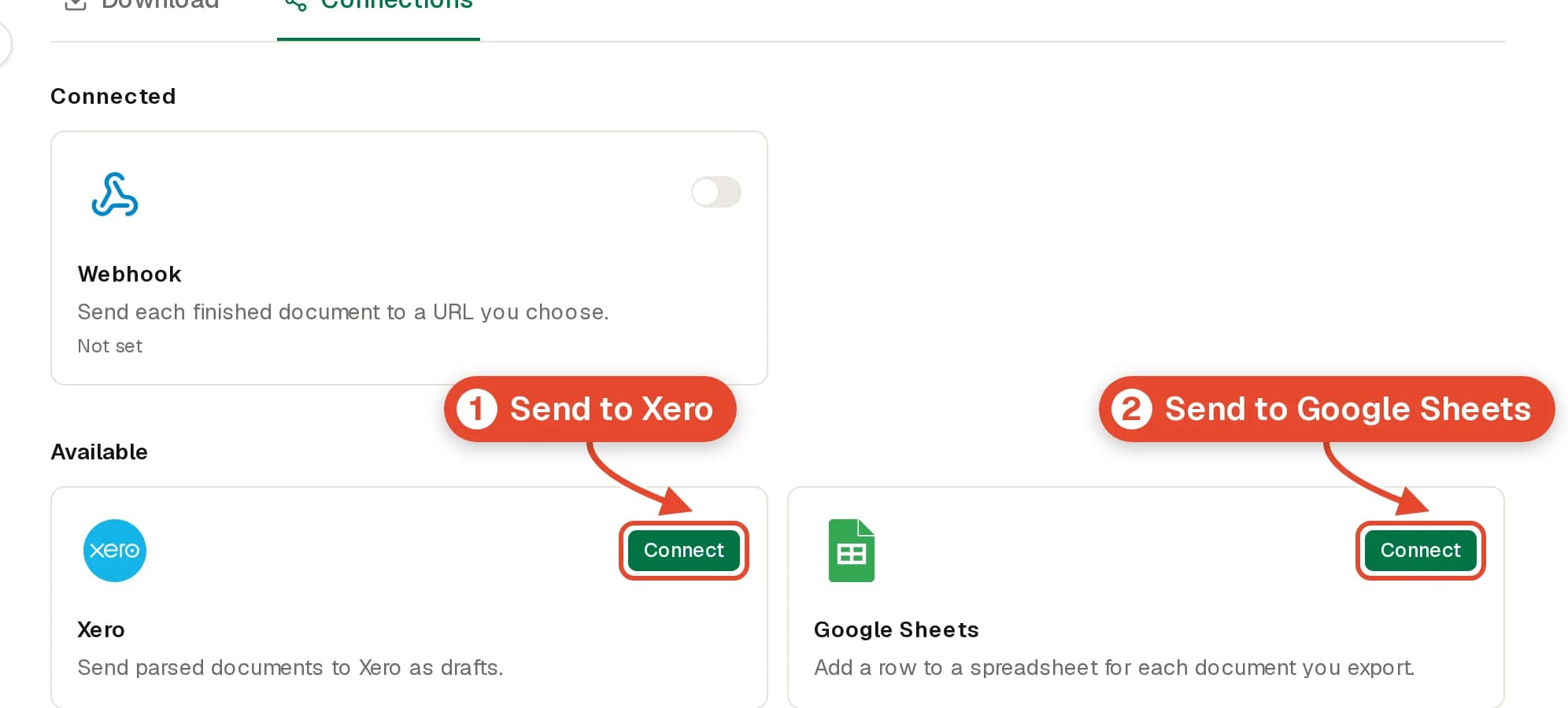
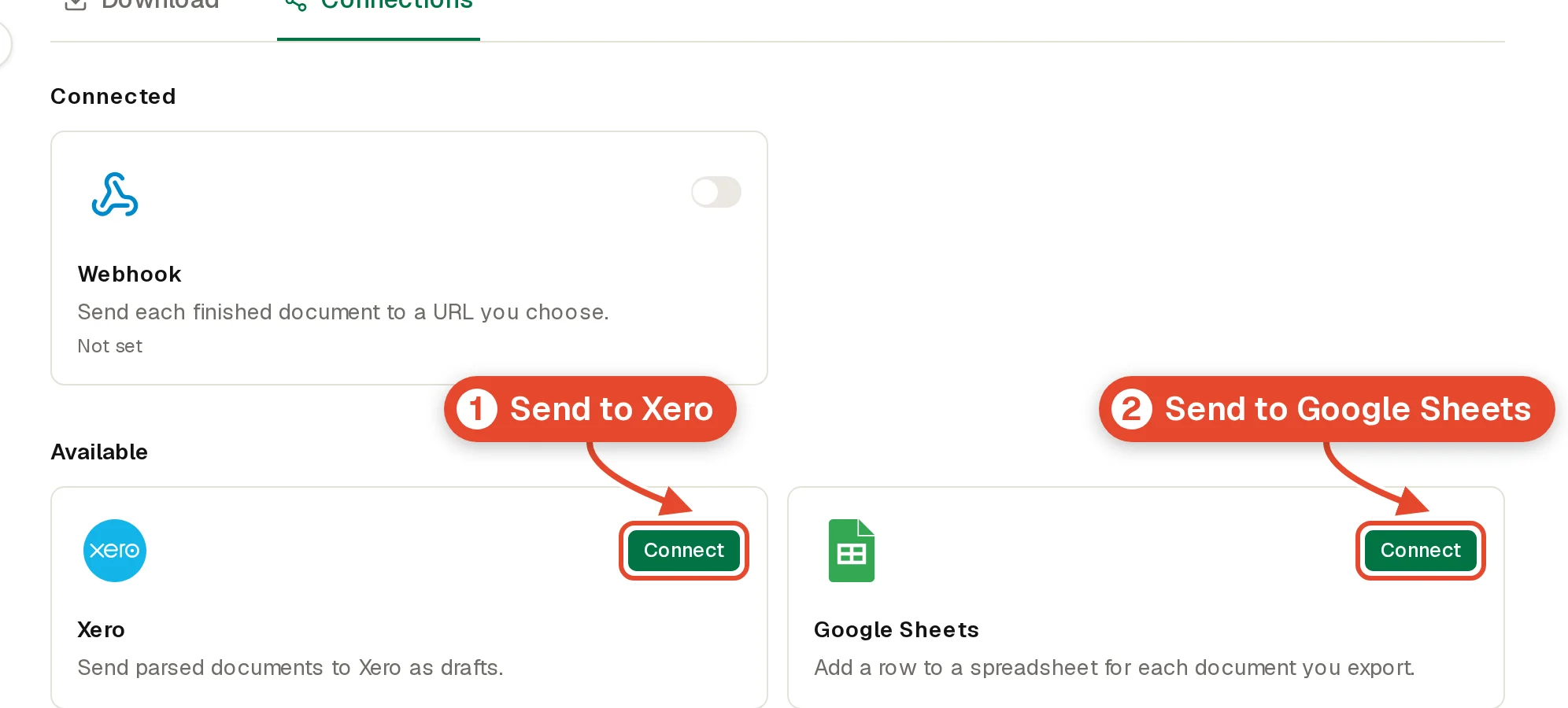
Open Export, then Connections, and click Connect next to Google Sheets.
Pick a sheet
Create a new sheet, or pick an existing sheet and tab.
Choose your rows
Pick one row per document, or one row per line item.
Send your documents
Each row has a Document ID that links back to the document in Doxtract.
Sending a document again
- Sending it again updates those same rows.
- Only mapped cells are written, so columns you added yourself are left alone.
Who can use it
Guests can't use Google Sheets.