

Send documents to Xero
Doxtract creates draft bills, invoices, receipts and credit notes in Xero. You approve them in Xero as usual.
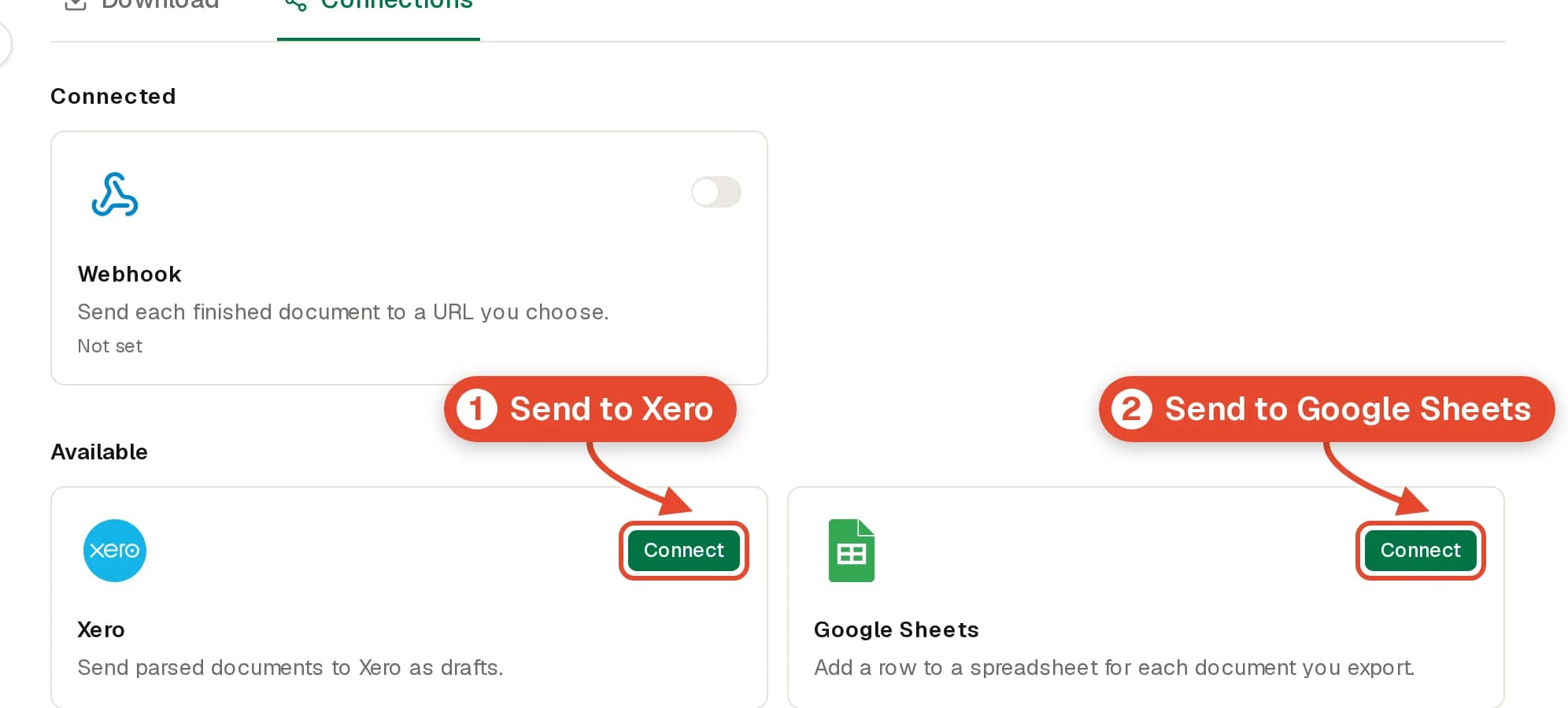
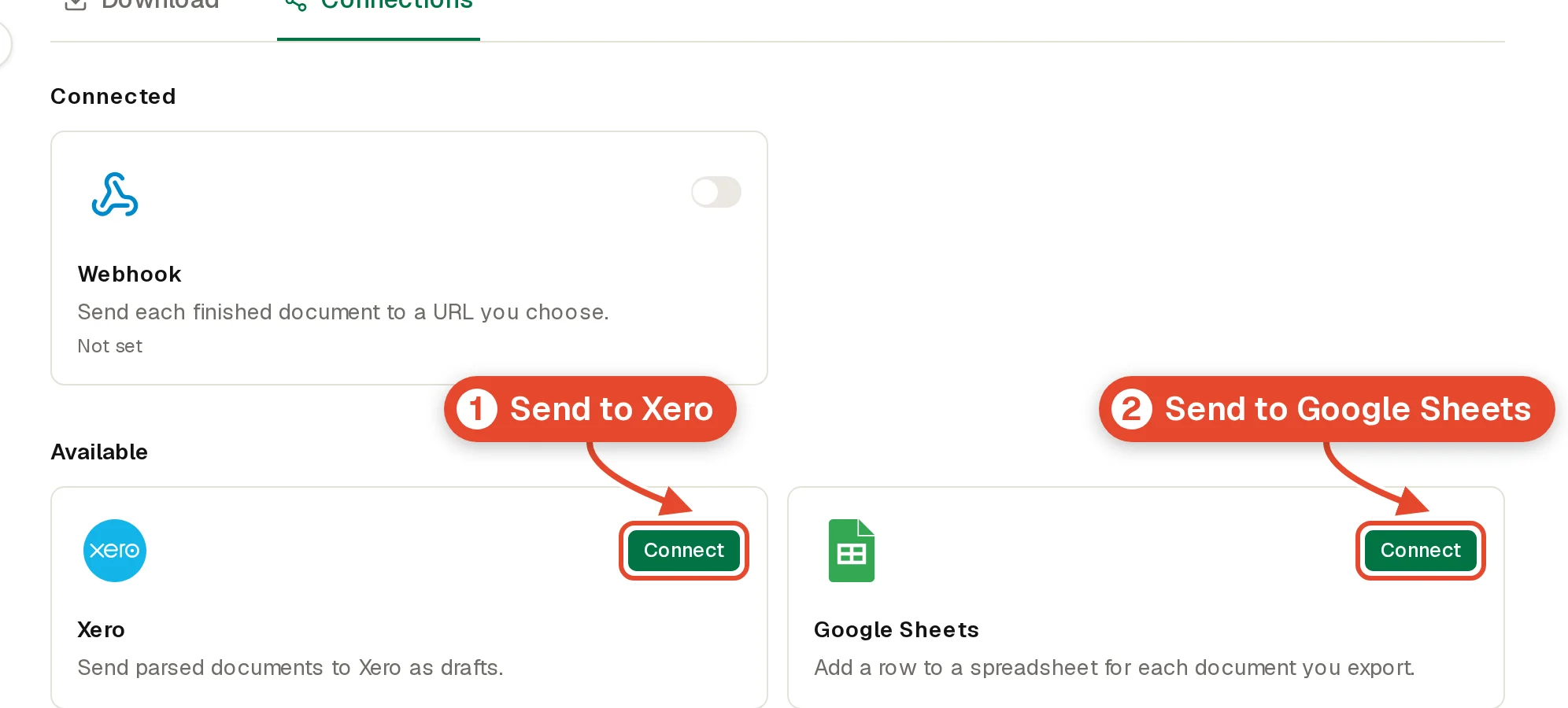
Open Export, then Connections
Click Connect next to Xero and sign in. One Xero organisation per workspace.
Send your documents
Doxtract creates a draft bill, invoice, receipt or credit note in Xero, with the original file attached.
Approve in Xero
Check each draft in Xero and approve it there, as you do today.
Drafts only
Doxtract never approves anything. Every document stays a draft until you approve it in Xero.
Sending a document again
- Sending it again updates its existing draft. You do not get a second one.
- A draft you already approved in Xero is left alone.
- If the draft was deleted or voided in Xero, sending it again creates it again.
Who can use it
Guests can't use the Xero integration.