

Send documents to QuickBooks
Doxtract creates bills, expenses, supplier credits, invoices and customer credits in QuickBooks Online, with the original file attached.
QuickBooks is being rolled out. If Connections shows it as Coming soon, it is not open for your workspace yet.
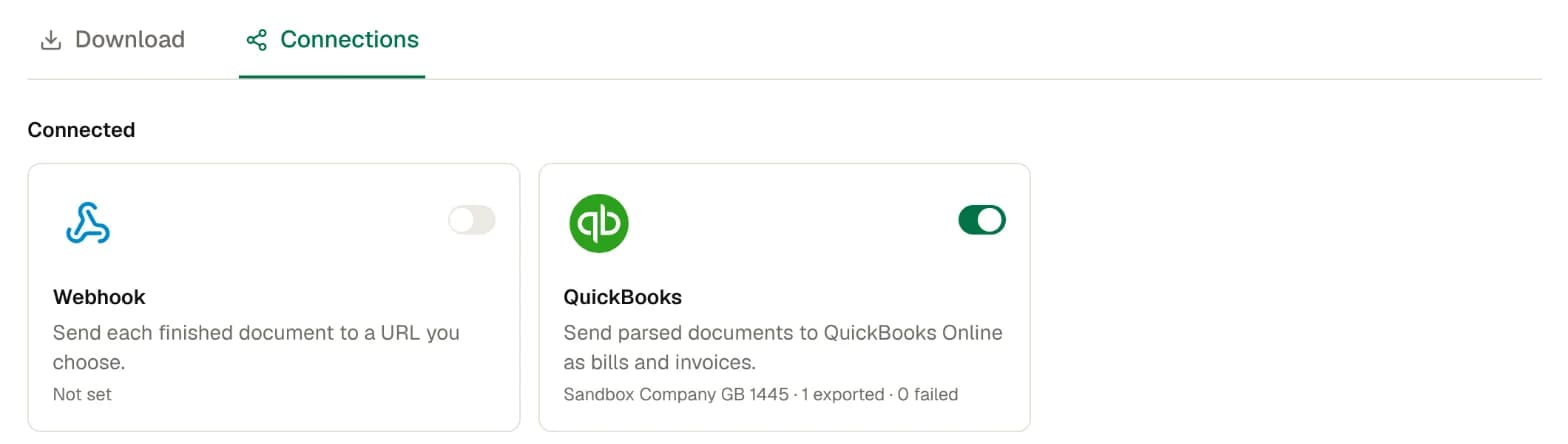
The workspace owner connects QuickBooks
Open Export, then Connections, and click Connect next to QuickBooks. One QuickBooks company per workspace.
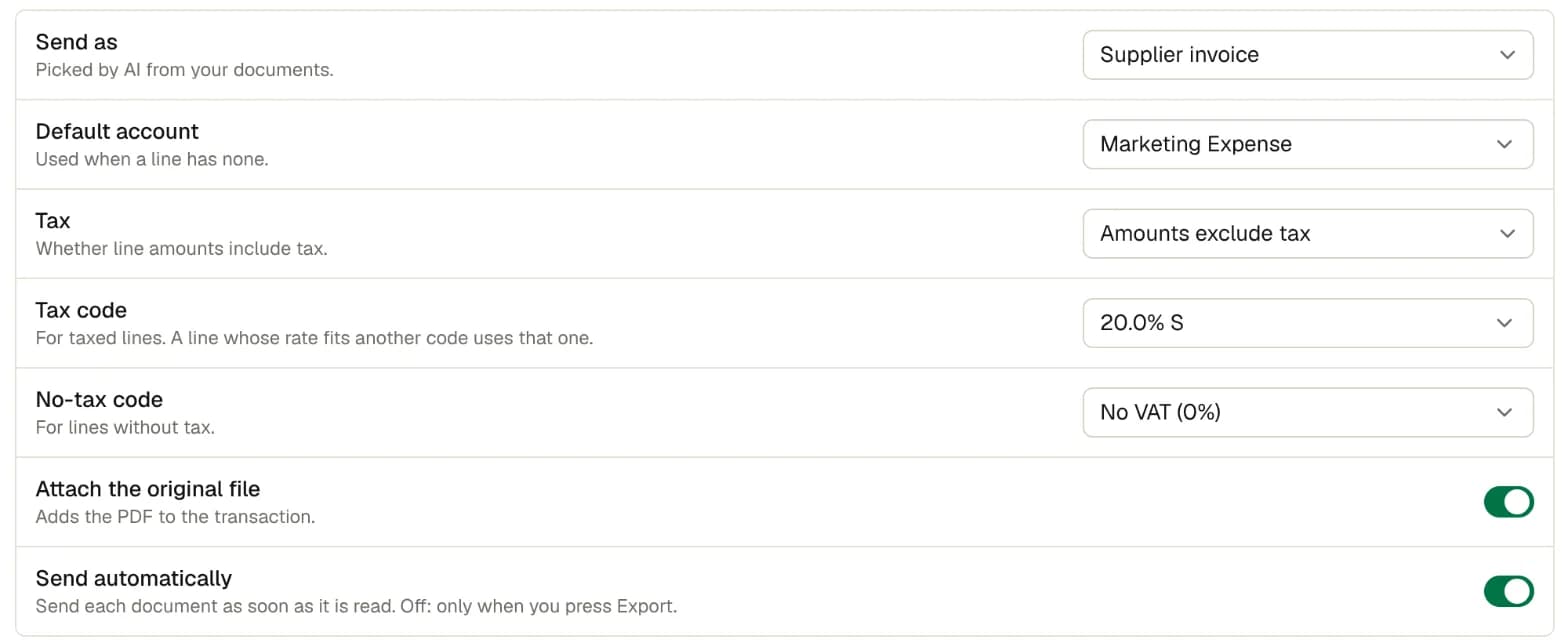
Check the setup
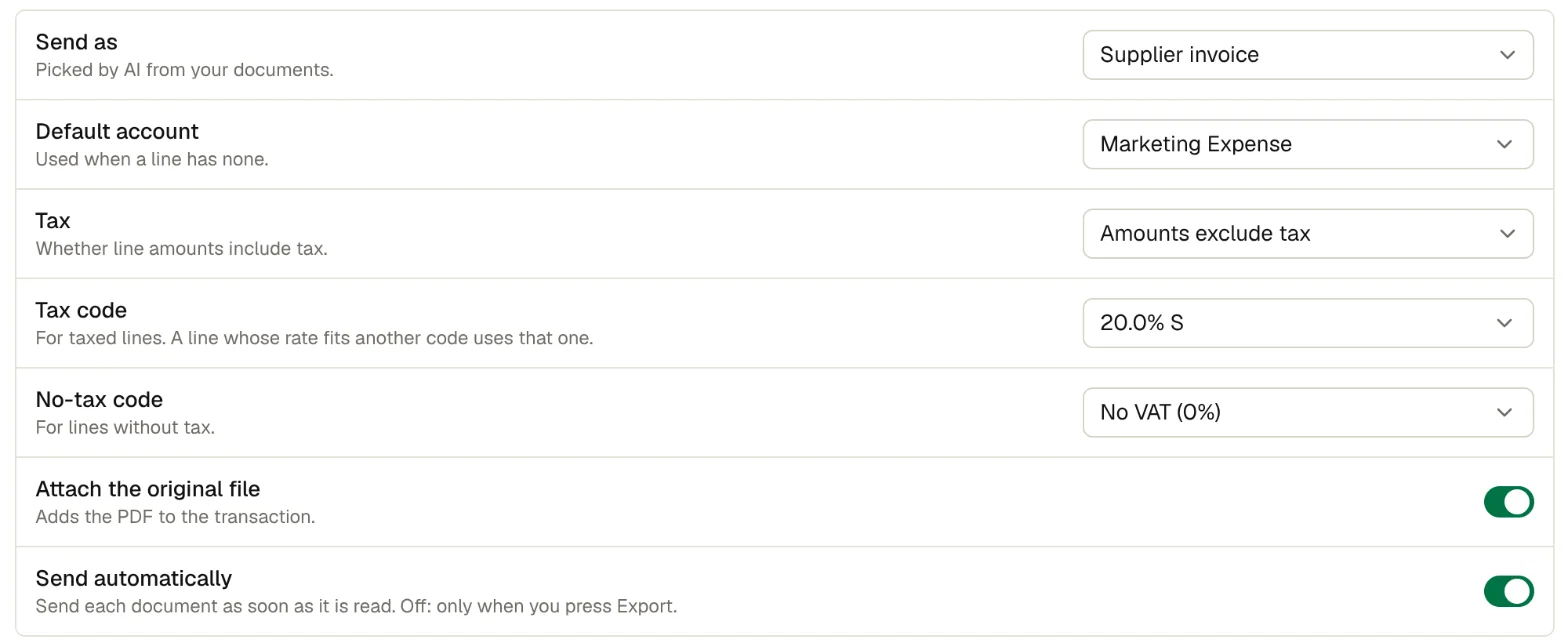
Doxtract fills in what your documents become, the accounts and the tax. Change anything on the QuickBooks page, or describe the change and let the AI make it.
Send your documents
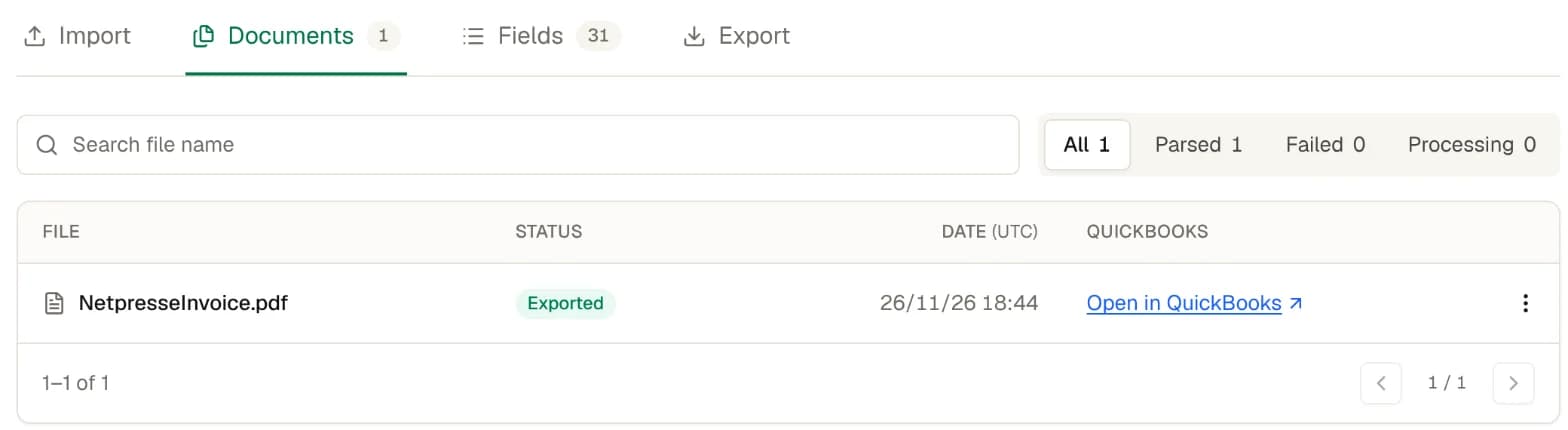
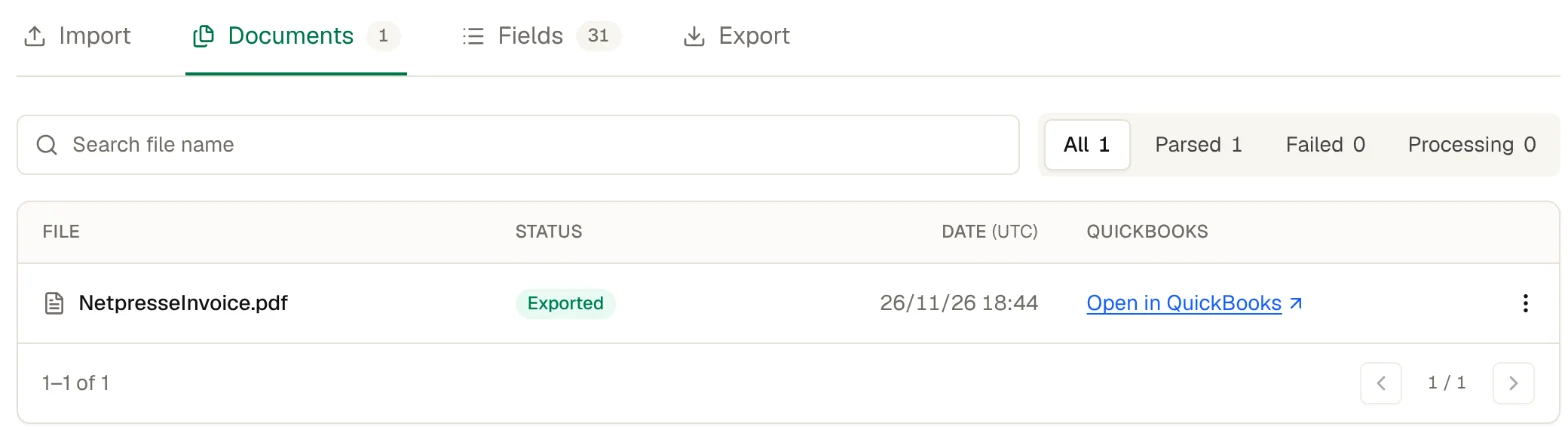
Each document becomes a bill, expense, supplier credit, invoice or customer credit in QuickBooks, with the original file attached.
No drafts in QuickBooks
QuickBooks has no drafts. A document you send is a real bill or invoice straight away, which you can still edit or delete in QuickBooks. Turn off Send automatically to send only when you press Export.
Sending a document again
- Sending it again updates the same transaction. You do not get a second one.
- A transaction that is paid or partly paid in QuickBooks is left alone.
- If it was deleted in QuickBooks, pressing Export creates it again.
- An automatic send never brings back something deleted in QuickBooks, so a duplicate you removed stays removed. The document says so.
Tax
- The total in QuickBooks matches the document. If QuickBooks works out a different total, the document says so.
- For US companies the tax goes into the line amounts. On invoices you can pick a sales tax code to record it as sales tax instead.
- For UK companies each line gets the VAT code that matches its rate. Pick the usual VAT code and the no-VAT code on the QuickBooks page.
- Only US and UK companies are supported for now.
Who can use it
Guests can't use QuickBooks.